 Yet Another PDF
A free PDF viewer and editor, made for engineers.
Read, edit and mark up any PDF, with measuring and review tools for engineering drawings. In your browser or on Windows.
- Totally free. No subscription, no account, no trial.
- Your files stay on your computer. Nothing is uploaded to the cloud: opening, editing, OCR and export all run on your machine.
- For any PDF, built for drawings. A general viewer and editor, with markup and takeoff tools dedicated to engineers.
No install needed in the browser. Windows app: version 1.0.0 · Windows 10/11, 64-bit · installs per user, no admin rights. The installer is not code-signed yet: Windows may show “Unknown publisher” (More info → Run anyway).
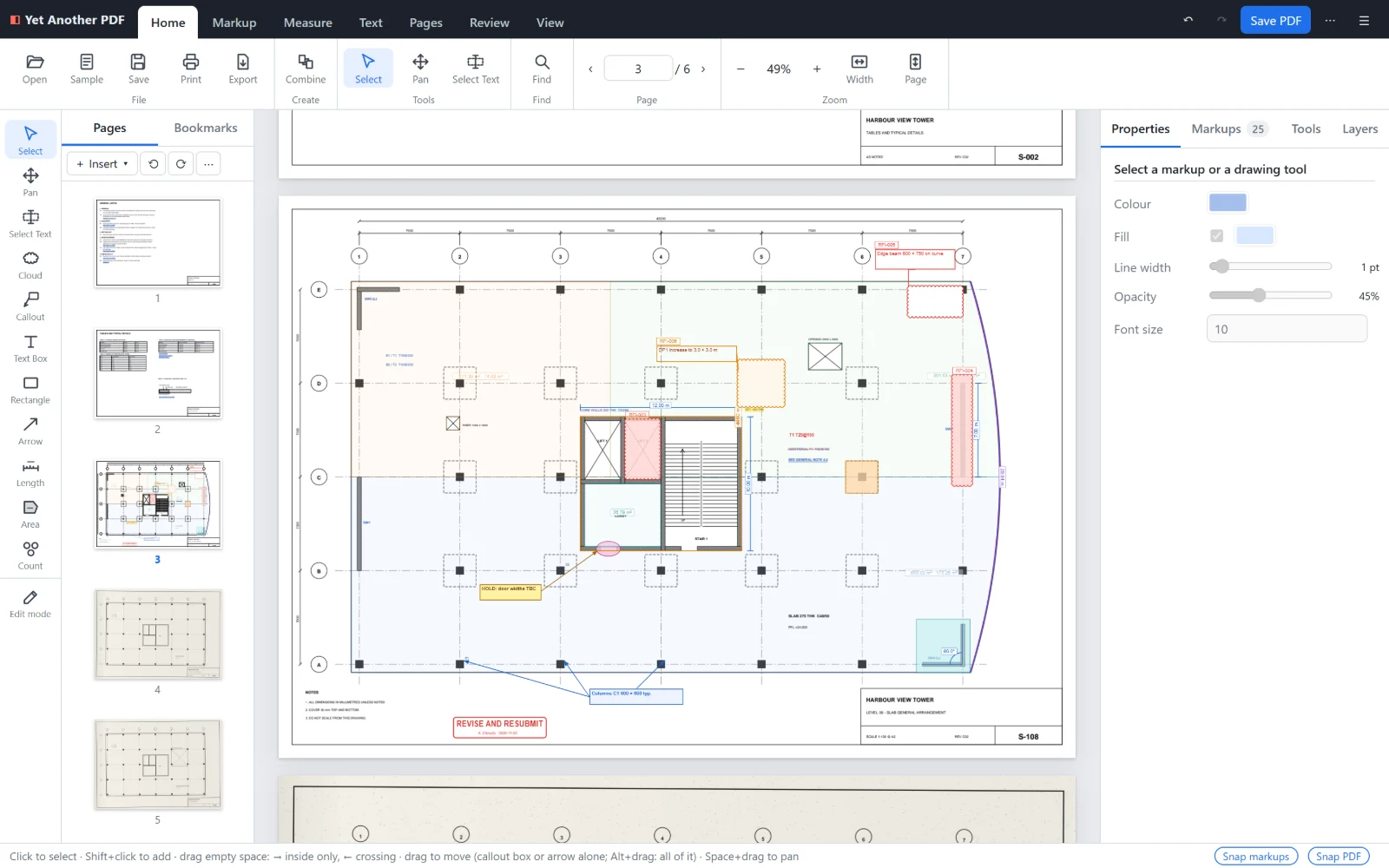
Review markups
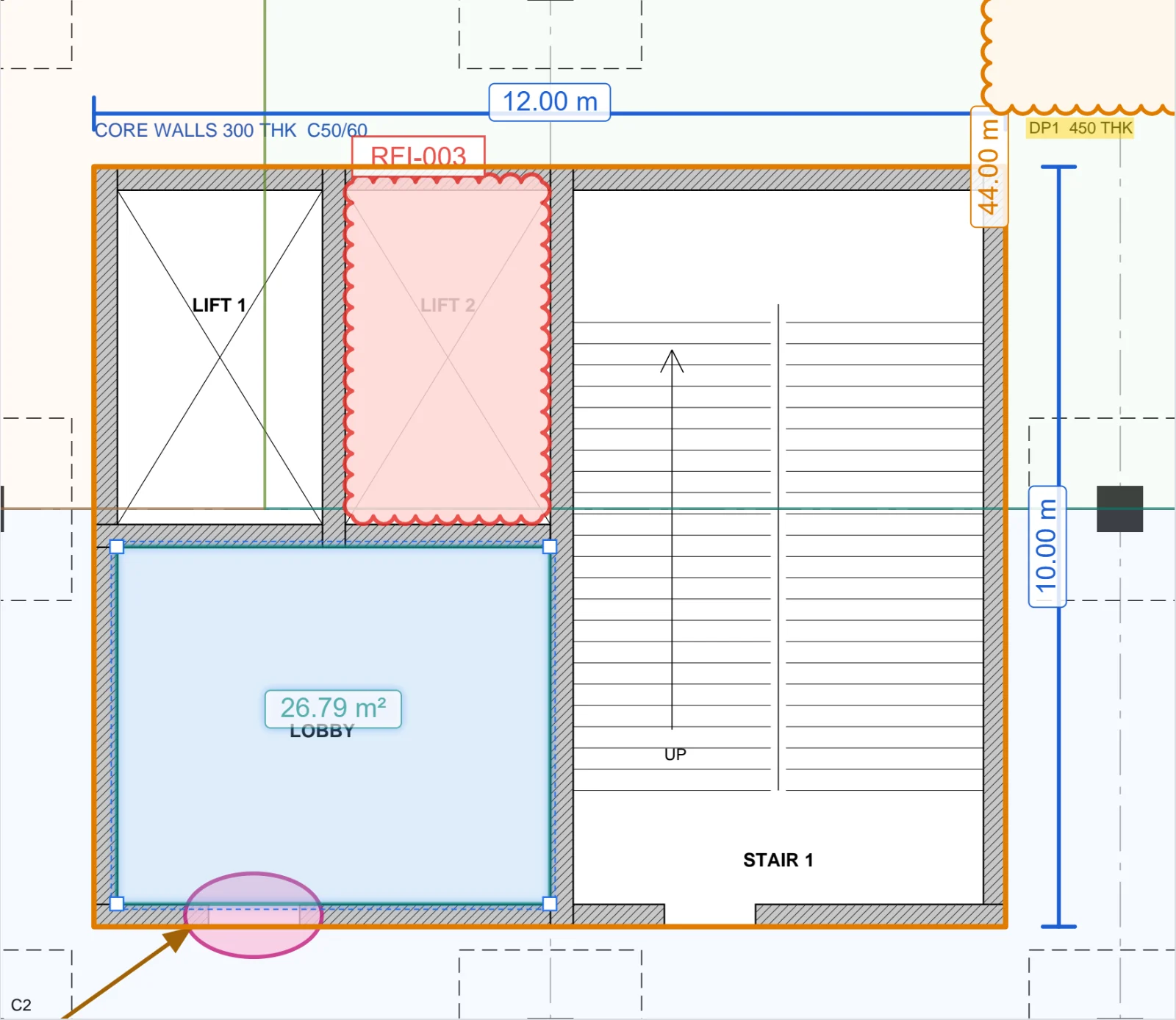
Clouds and cloud callouts with RFI numbers, callouts with one note and several arrows, filled shapes, text boxes, highlights, strike-outs and review stamps. Every markup keeps its comment, author, status and replies.
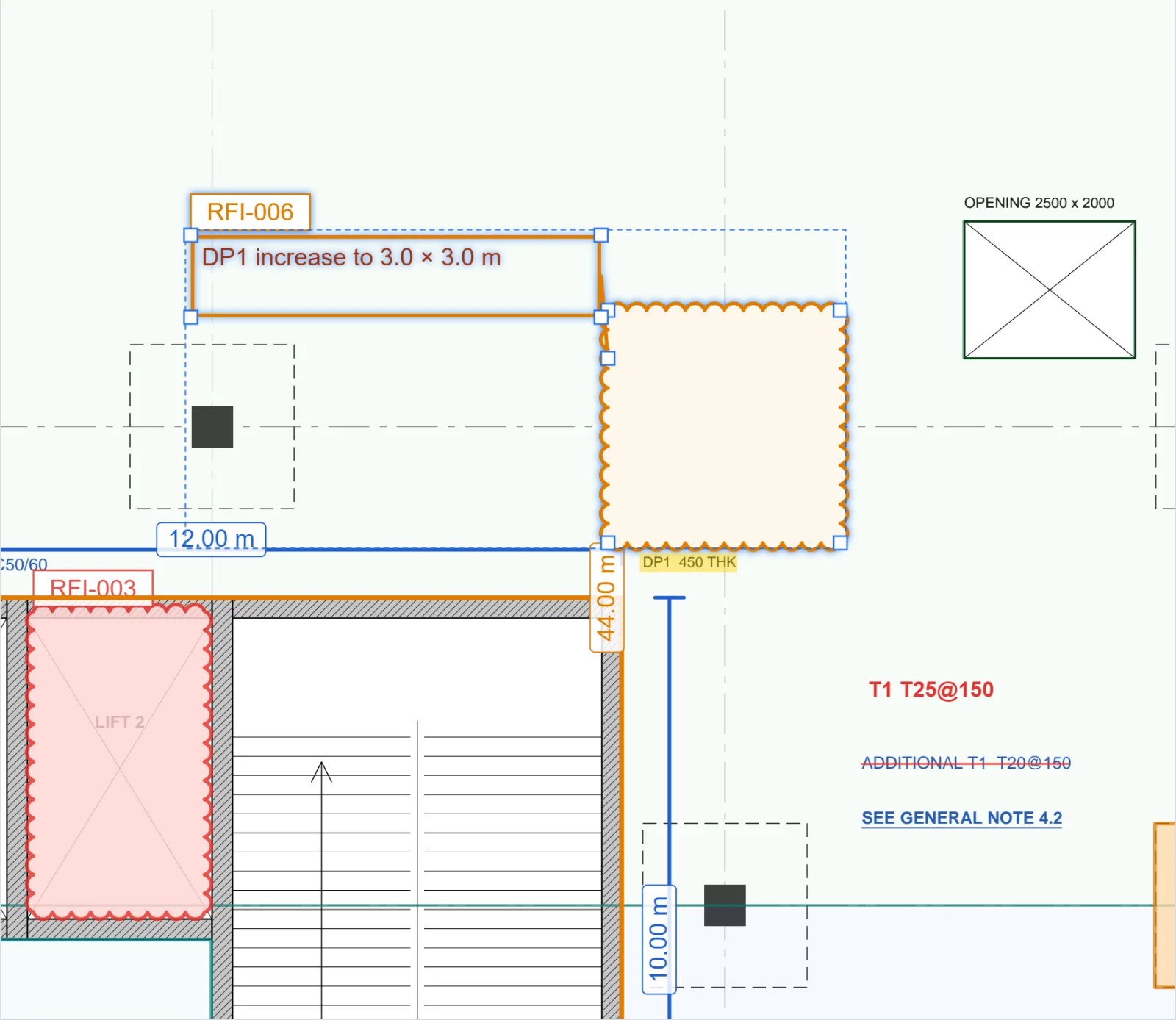
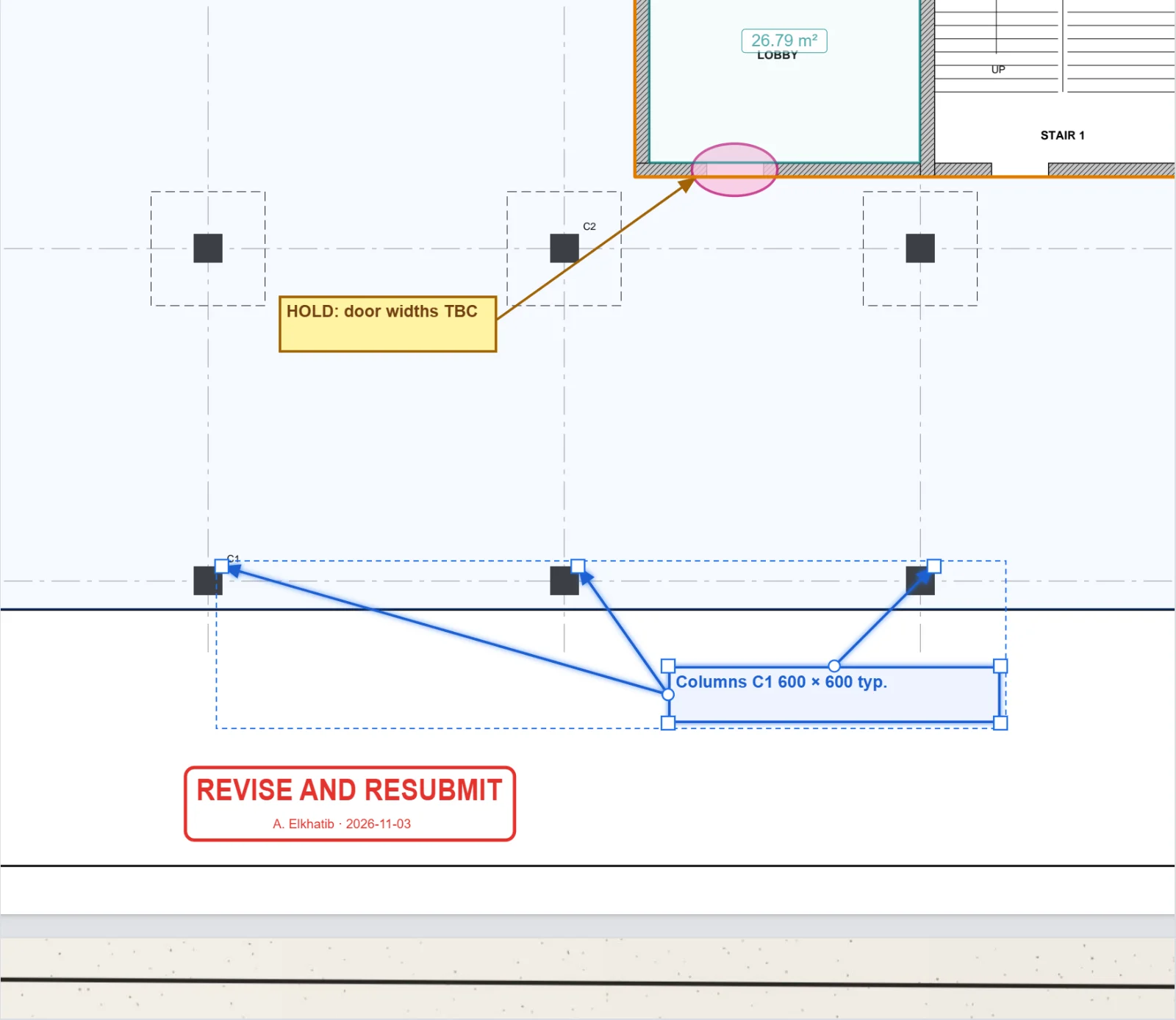
Measurements and quantities
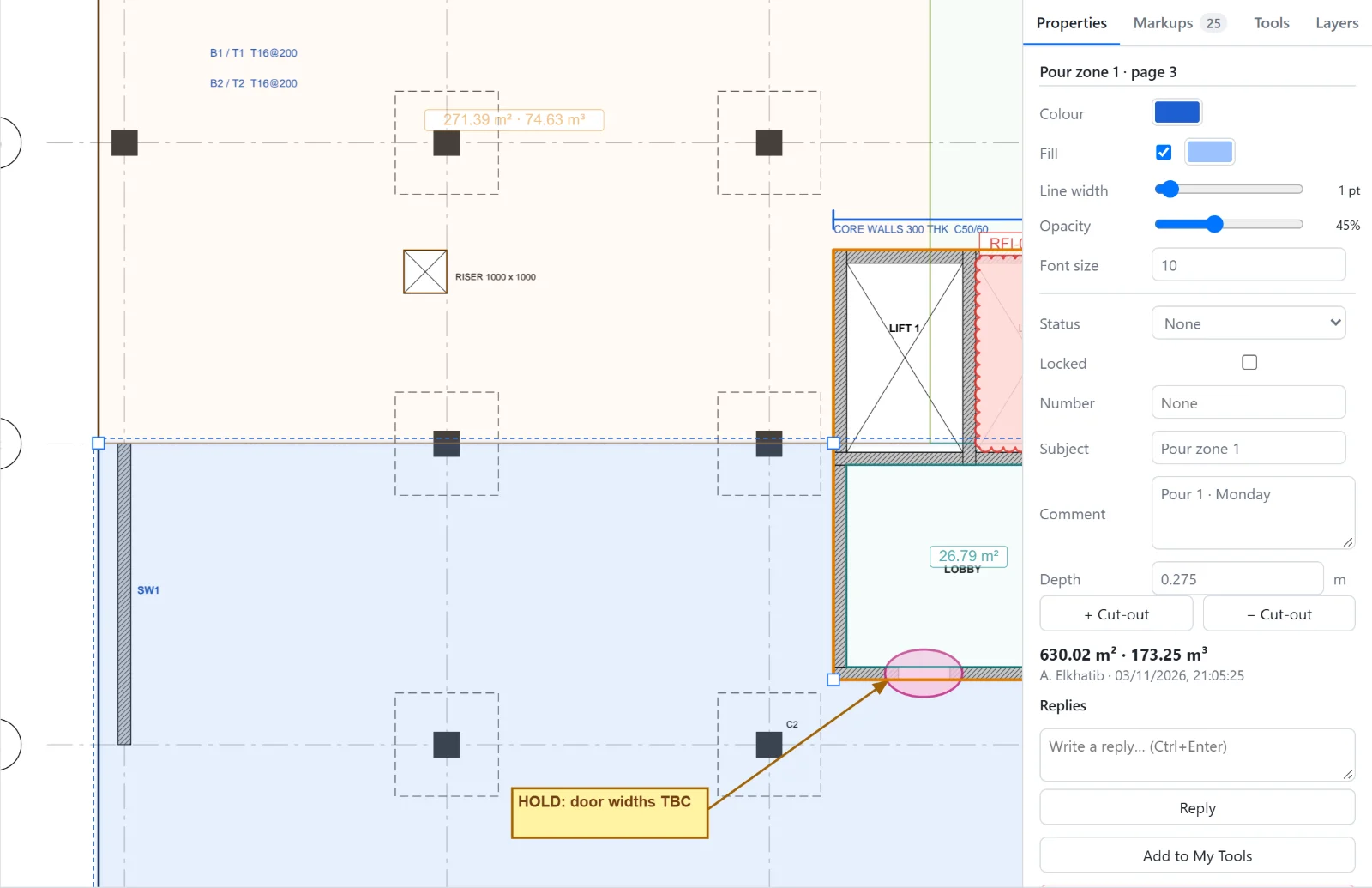
Lengths, areas with openings deducted, volumes from a depth, perimeters, angles, radii and counts, at the drawing's scale. Every value is listed with its markup, so takeoffs stay tied to the drawing.
Snap to the drawing
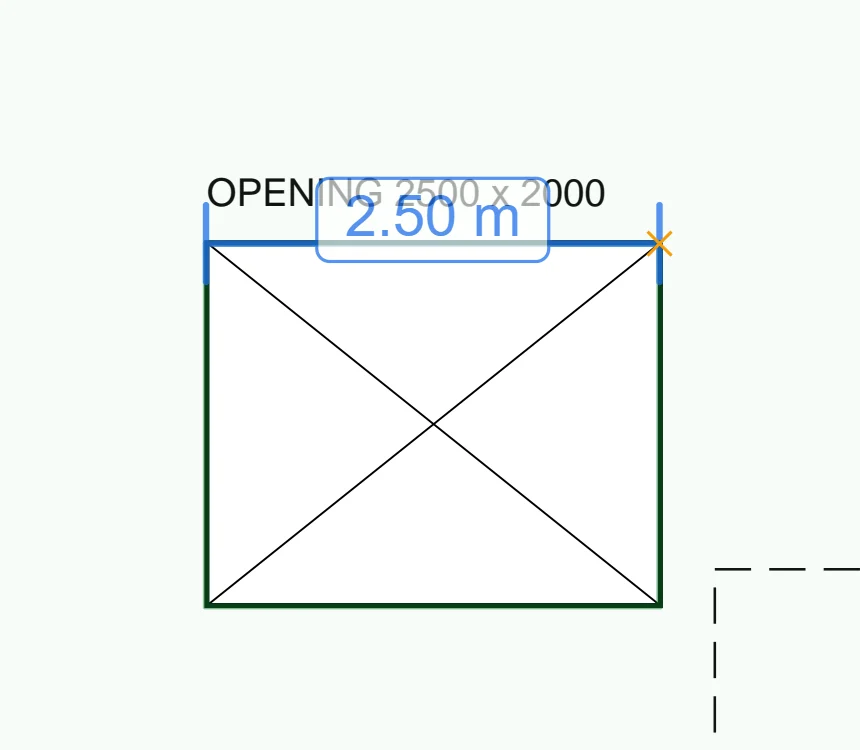
While you draw or measure, points snap to the PDF's own line work and to other markups: ends, corners, midpoints and intersections. Hold Alt to place a point freely.
Edit the PDF's text
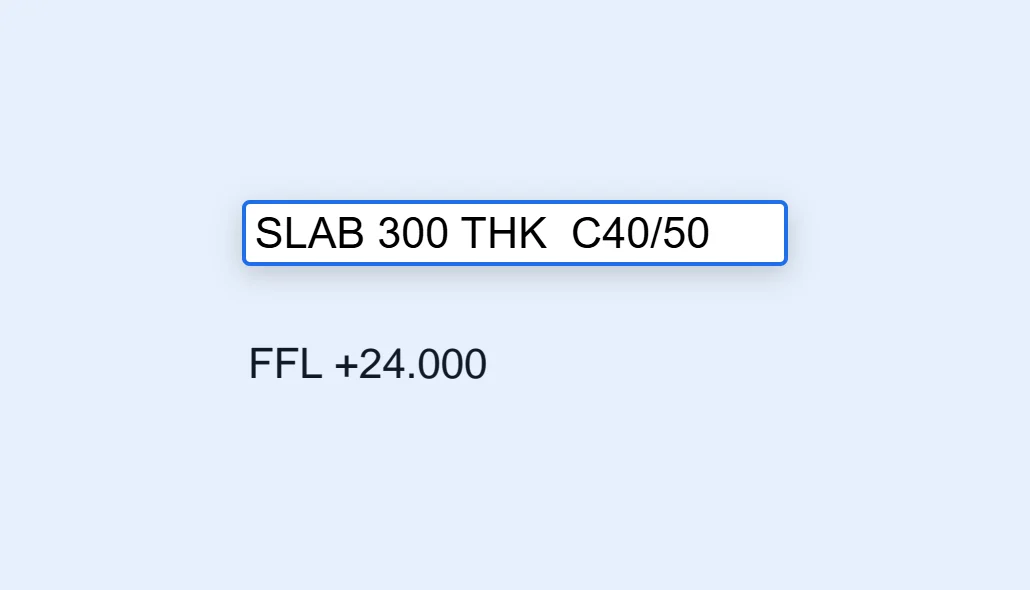
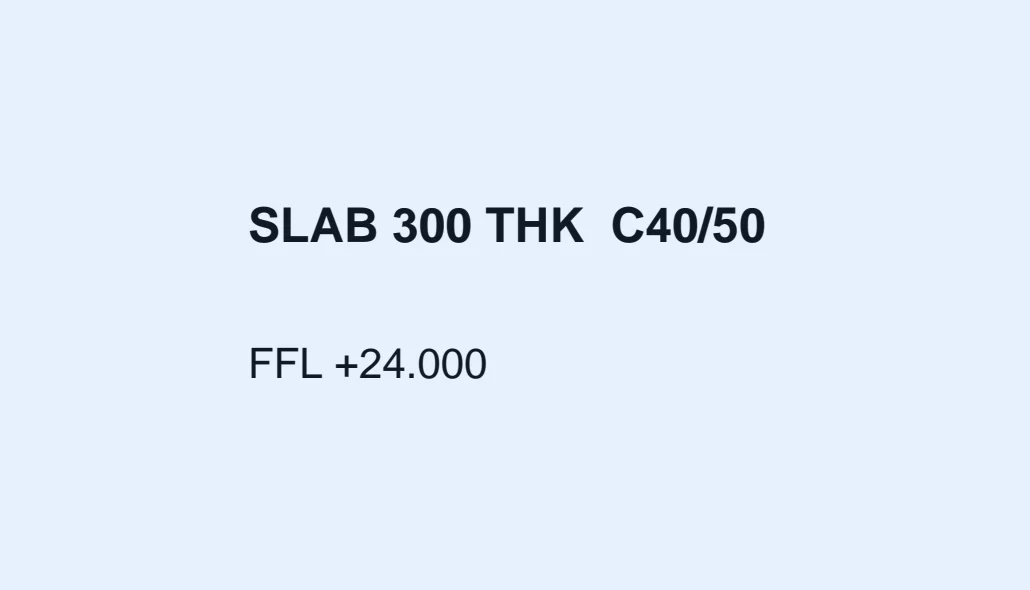
Turn on Edit mode and double-click a note to change it. Only the text you edited is changed.
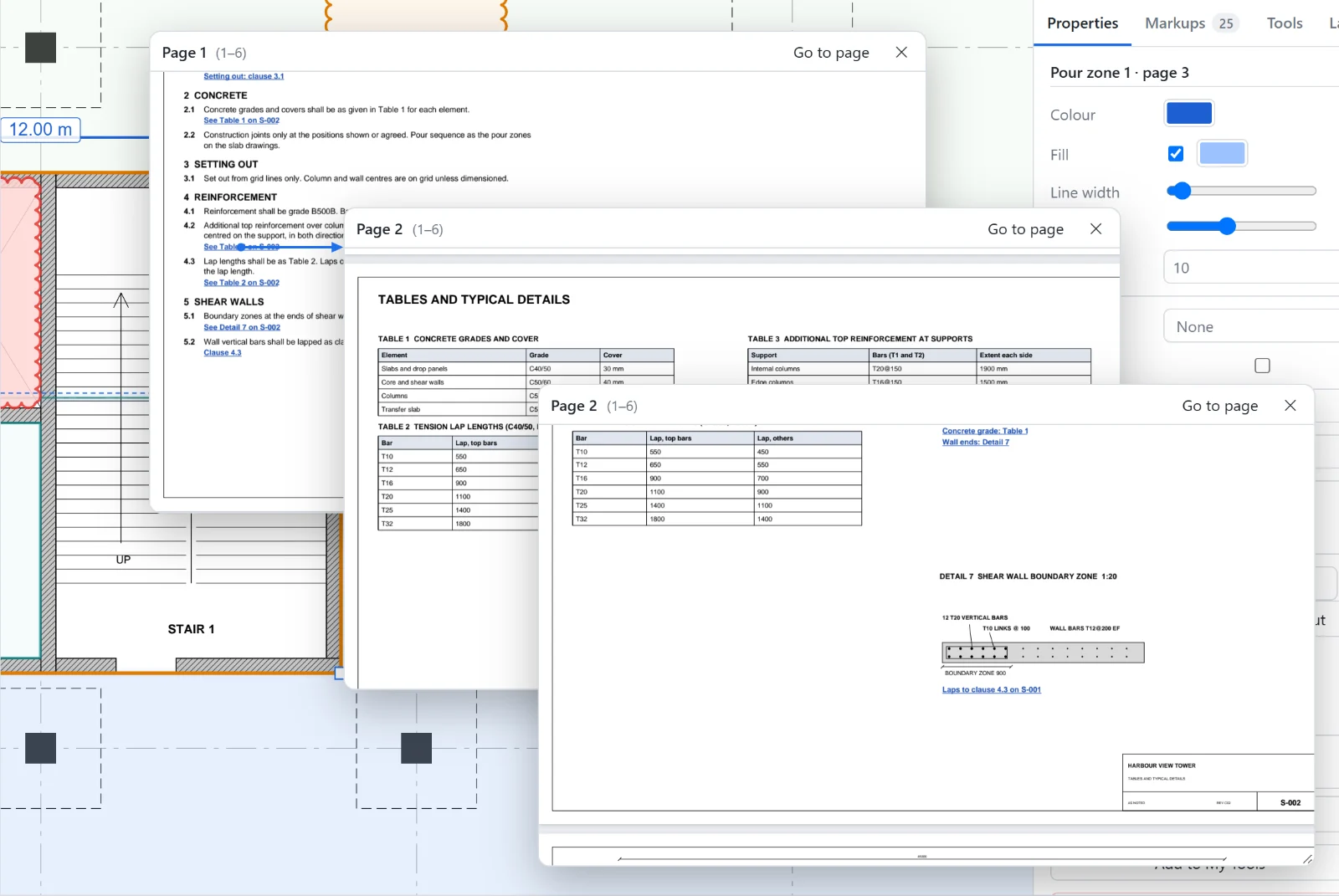
Peek at references
Click a link to see where it goes in a window over the page, without leaving your place. A link inside a peek opens another on top of it, so a chain of references — note, table, detail — stays in sight.
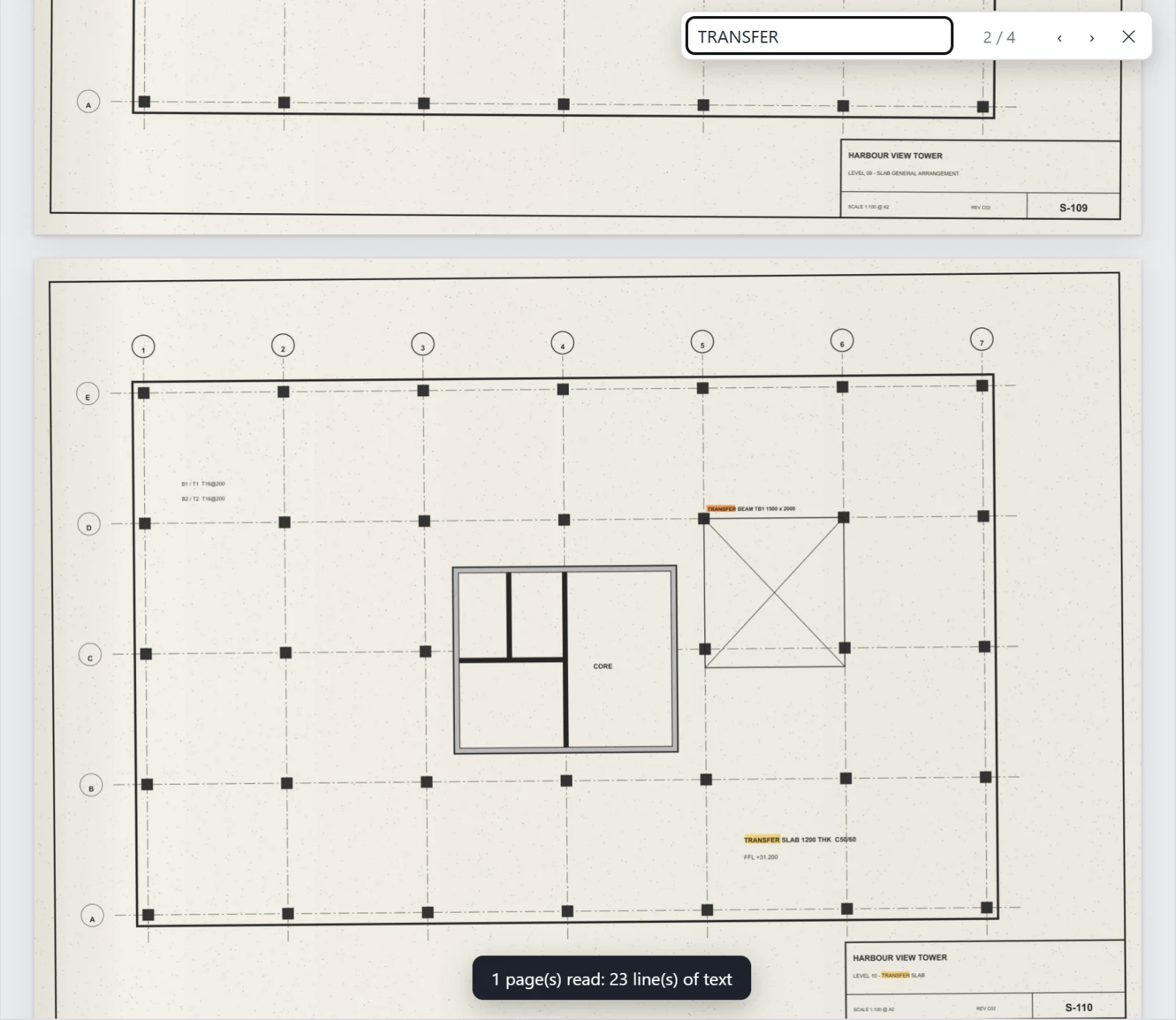
OCR for scanned drawings
Read scanned sheets in English or Arabic, on your own computer. The text is placed over the scan, so it can be found, selected and marked up, and it is saved in the PDF.
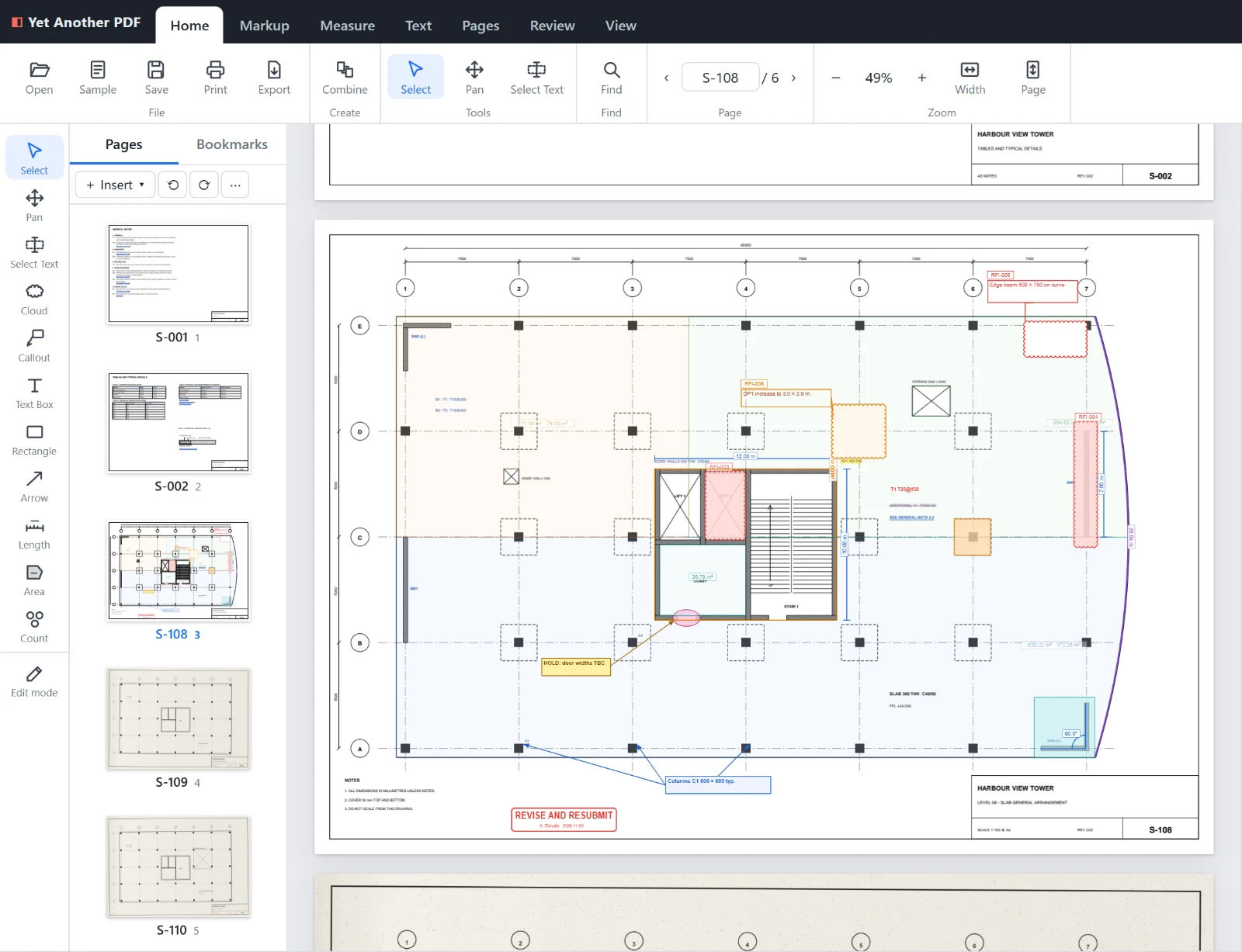
Name pages from the title block
Draw a box around the sheet number on one page. The text in the same place is read on every page, with OCR on scanned sheets, and becomes the page's name, used in the page list and the page box.
Markup summary
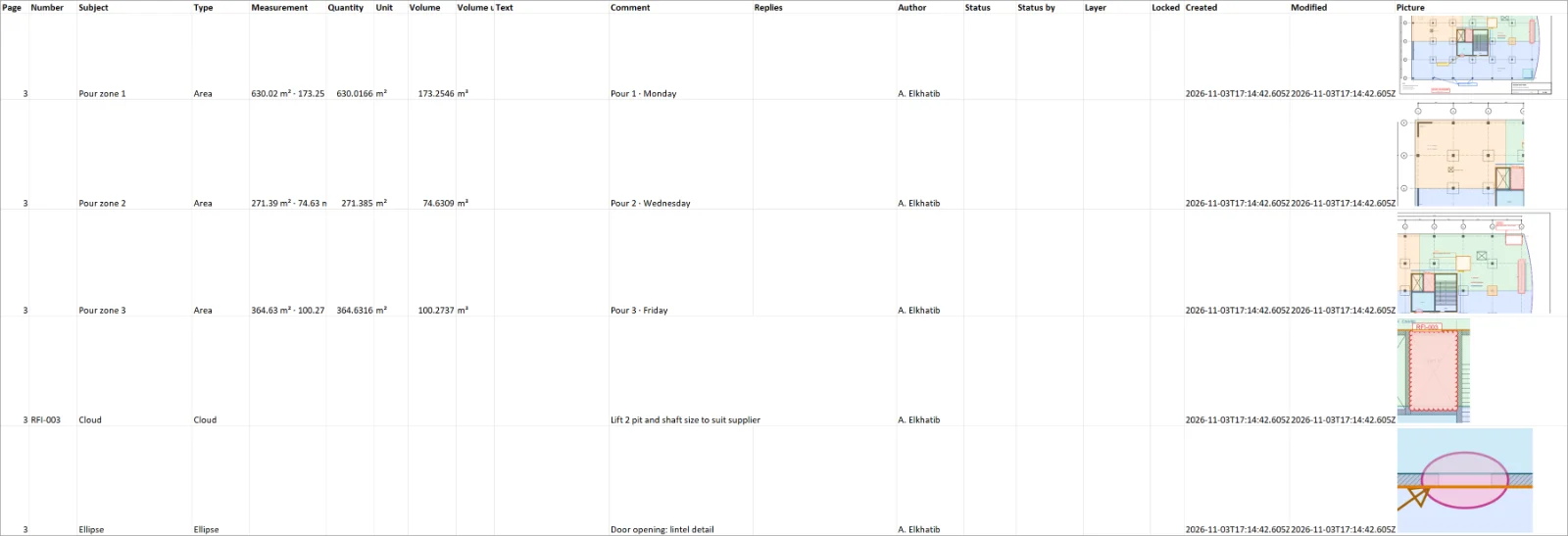
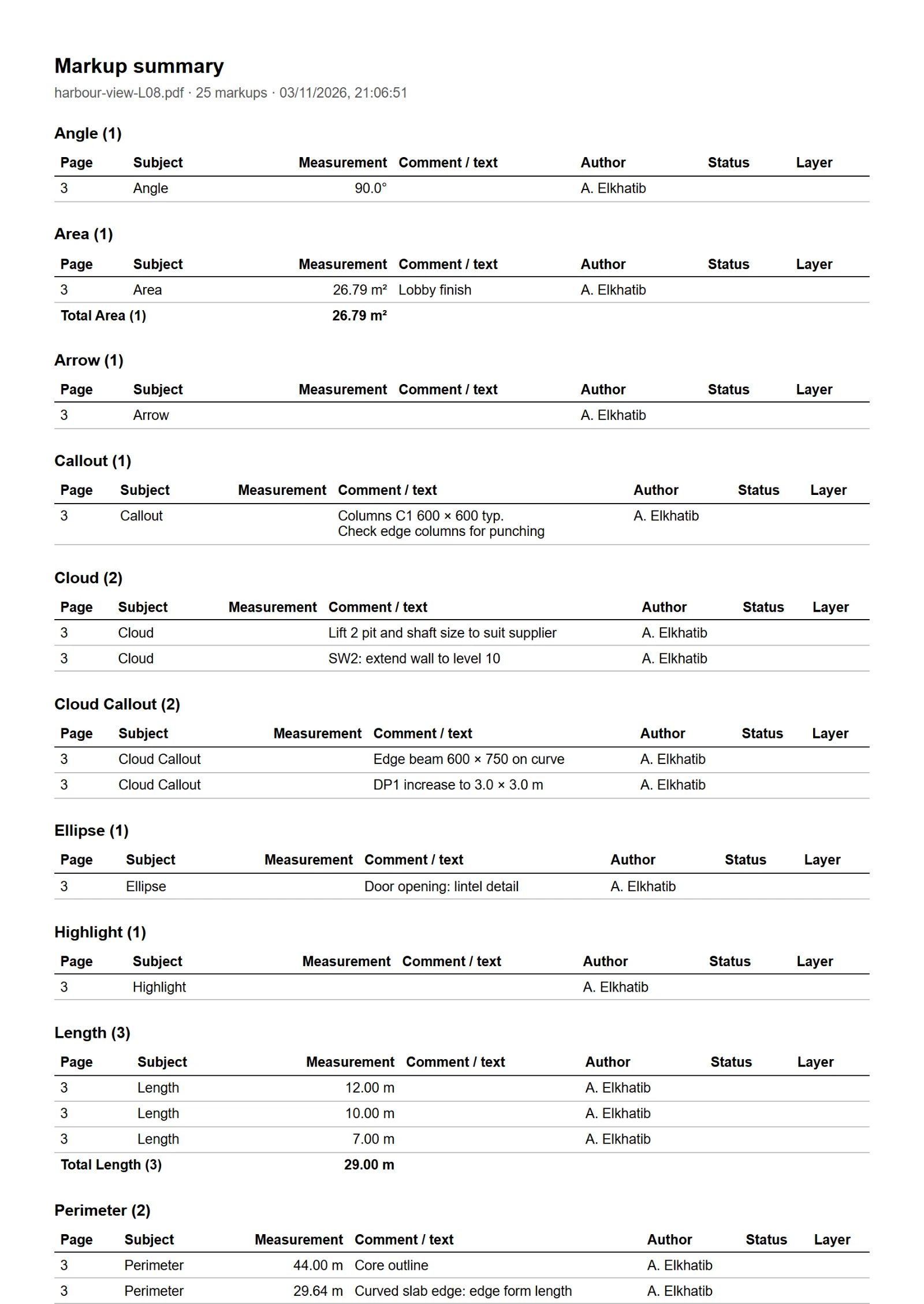
A summary of the markups grouped by page, subject, type, status, layer or author, with the totals of what was measured: as an Excel workbook — with a picture of each markup if you like — or as a report to print or save as PDF.
Browser or desktop
The same app in both. The Windows app adds desktop integrations.
| Browser | Windows app | |
|---|---|---|
| Markups, measurements, text editing, peek, OCR, page names, summary | Yes | Yes |
| Open PDFs (Open button, drag and drop) | Yes | Yes |
| Combine PDFs and pictures | Yes | Yes |
| Save back into the opened file (Ctrl+S) | Downloads a copy | Yes |
| Word, Excel and PowerPoint files to PDF (needs Microsoft Office) | — | Yes |
| Editable Word export (needs Microsoft Word) | — | Yes |
Your PDFs stay on your computer in both: the browser version opens files locally and nothing is uploaded.
Get Yet Another PDF — free
No subscription and no account. Your files never leave your computer.
The drawings in these pictures are made up for illustration.